
Templates for Boox
Every templated.shop product ships as a dedicated Boox edition, sized to the exact panel of your device, so planners and notebooks fill the screen with no grey bars. Fully hyperlinked, vector-crisp at any zoom, and delivered the moment you buy.
Made for your exact Boox screen
Boox's 10.3″ writing tablets are 4:3, so the standard 445×594pt page fills them with nothing cropped. The colour models are the interesting case: a Note Air C renders text from a separate 1860×2480 black-and-white layer at 300 ppi rather than through the colour filter, which is why fine rules and small type stay crisp on them rather than going soft the way colour e-ink usually does.
- Boox10.3″ · 4:3 panels · 4:3 · Greyscale
- Made for Boox Note Air, Note and Tab. Fills the 4:3 panel edge-to-edge, crisp on both mono and colour models.
Panel specifications
| Device | Screen | Resolution | PPI | Colour | Aspect |
|---|---|---|---|---|---|
| Boox Note Air3 | 10.3″ | 1404 × 1872 | 227 | Greyscale | 4:3 (0.75) |
| Boox Note Air3 C / 4 CColour models render text from a separate 1860×2480 black-and-white layer, which is why type stays crisp | 10.3″ | 1860 × 2480 | 300 | Colour | 4:3 (0.75) |
Boox templates in the catalog
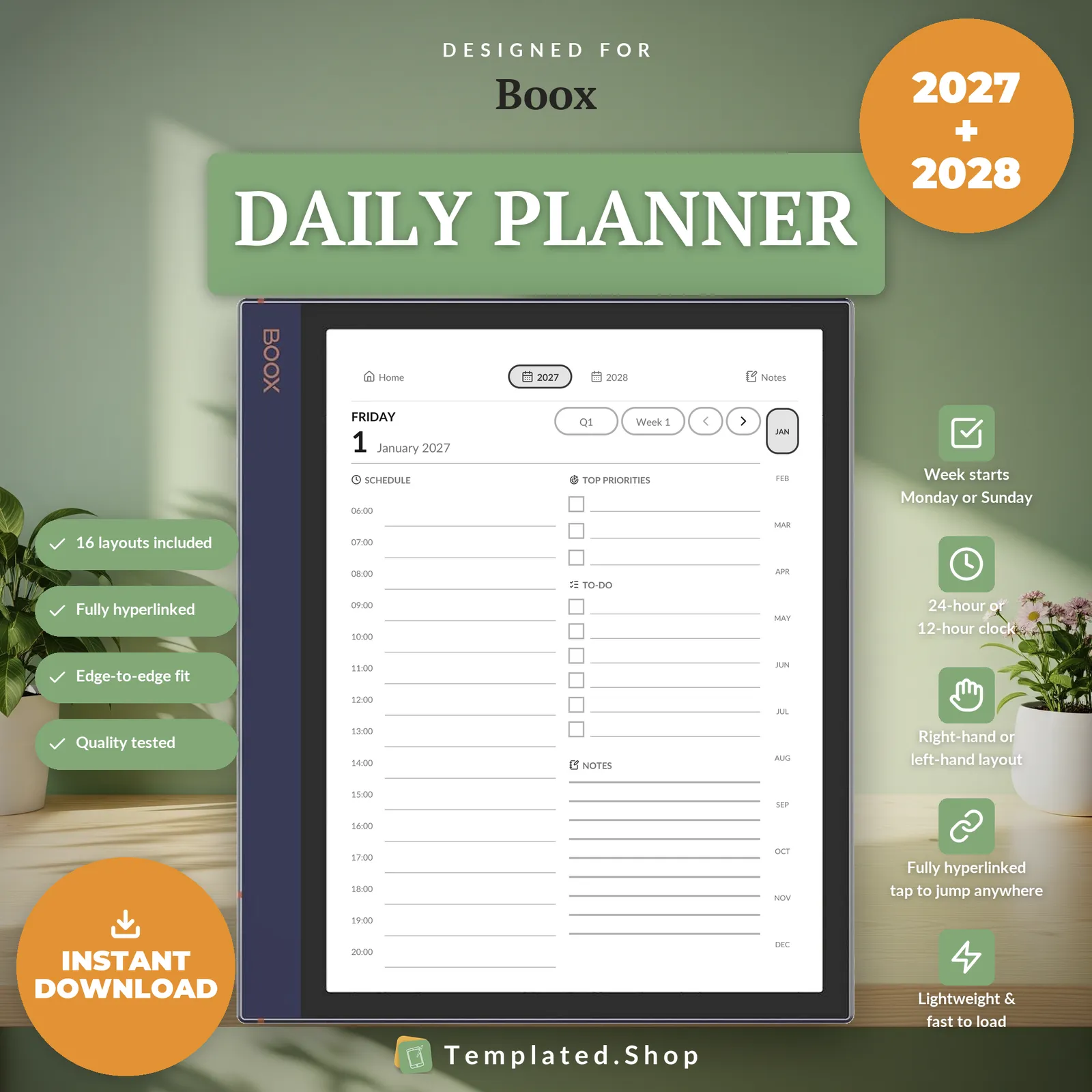
Planner
Daily Planner 2027–2028
$15.99 USD
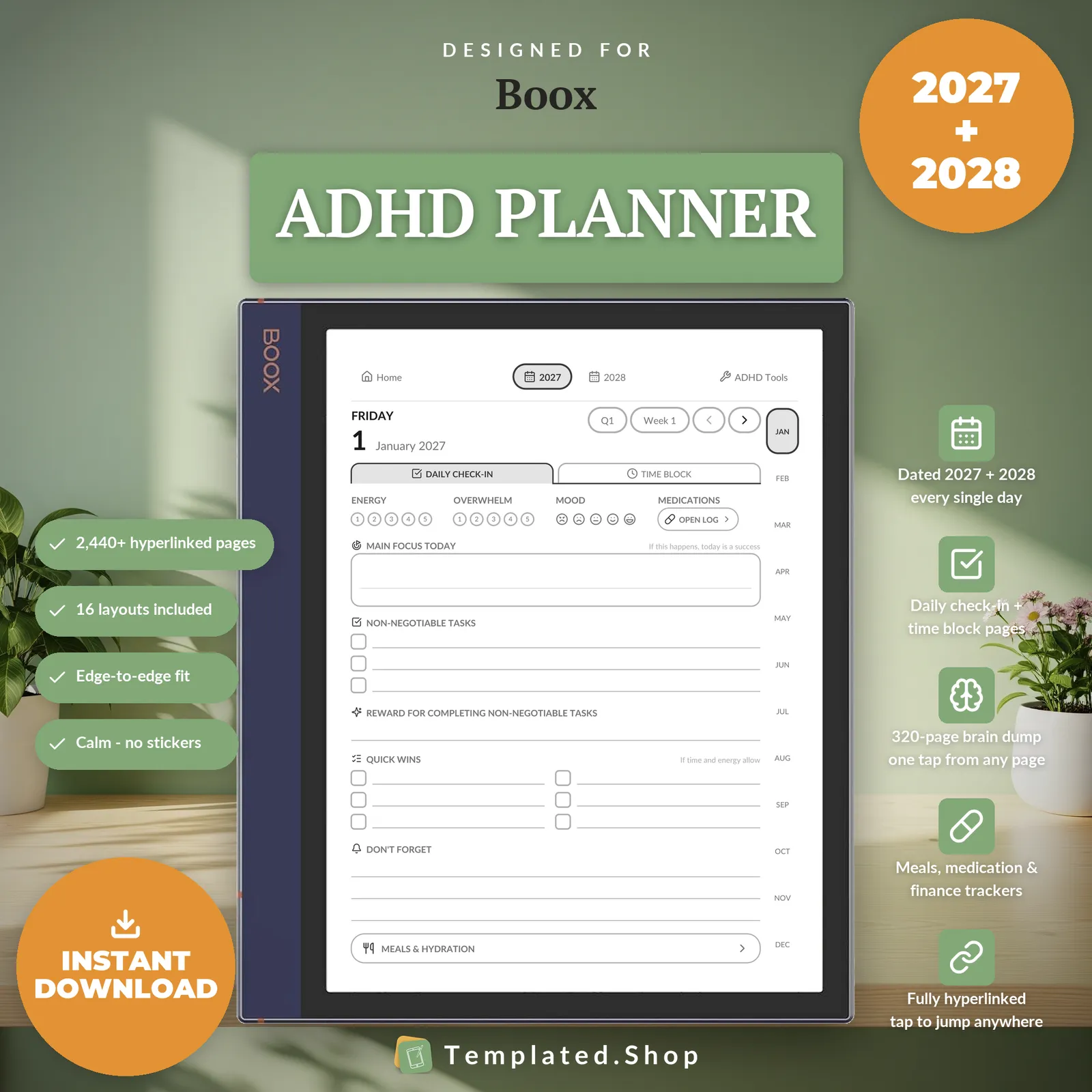
Planner
ADHD Planner 2027–2028
$9.99 USD
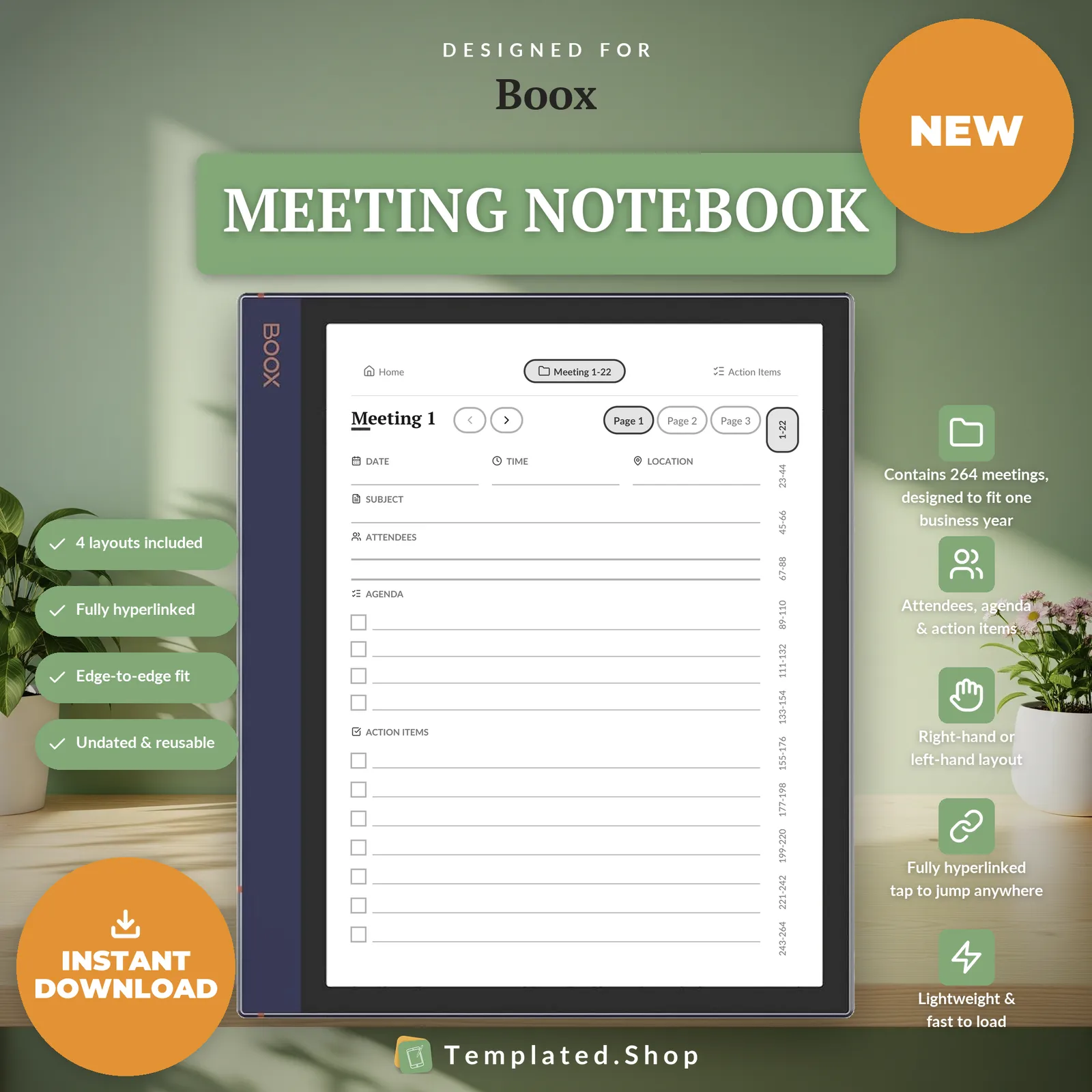
Notebook
Meeting Notebook
$7.99 USD
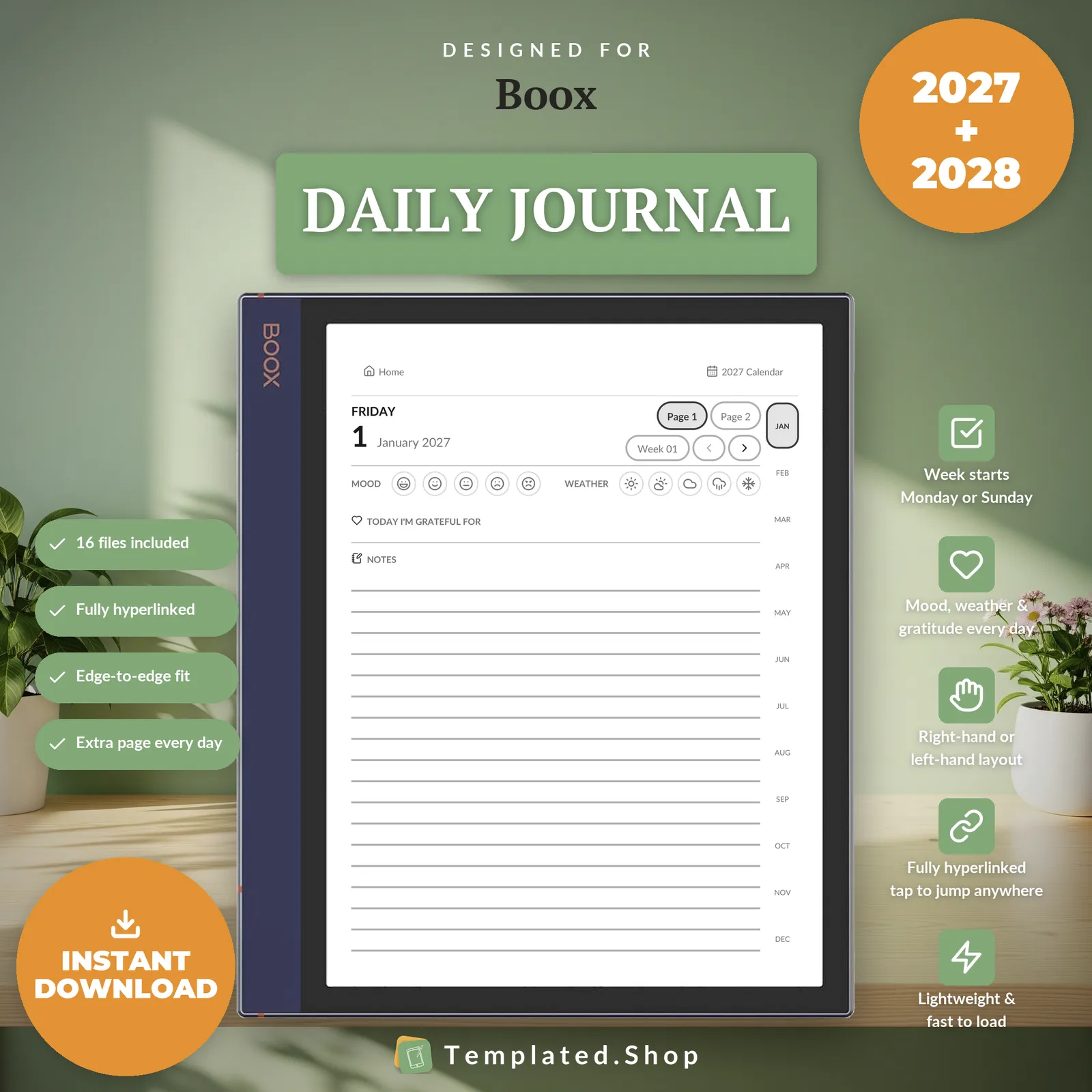
Journal
Daily Journal 2027–2028
$11.99 USD
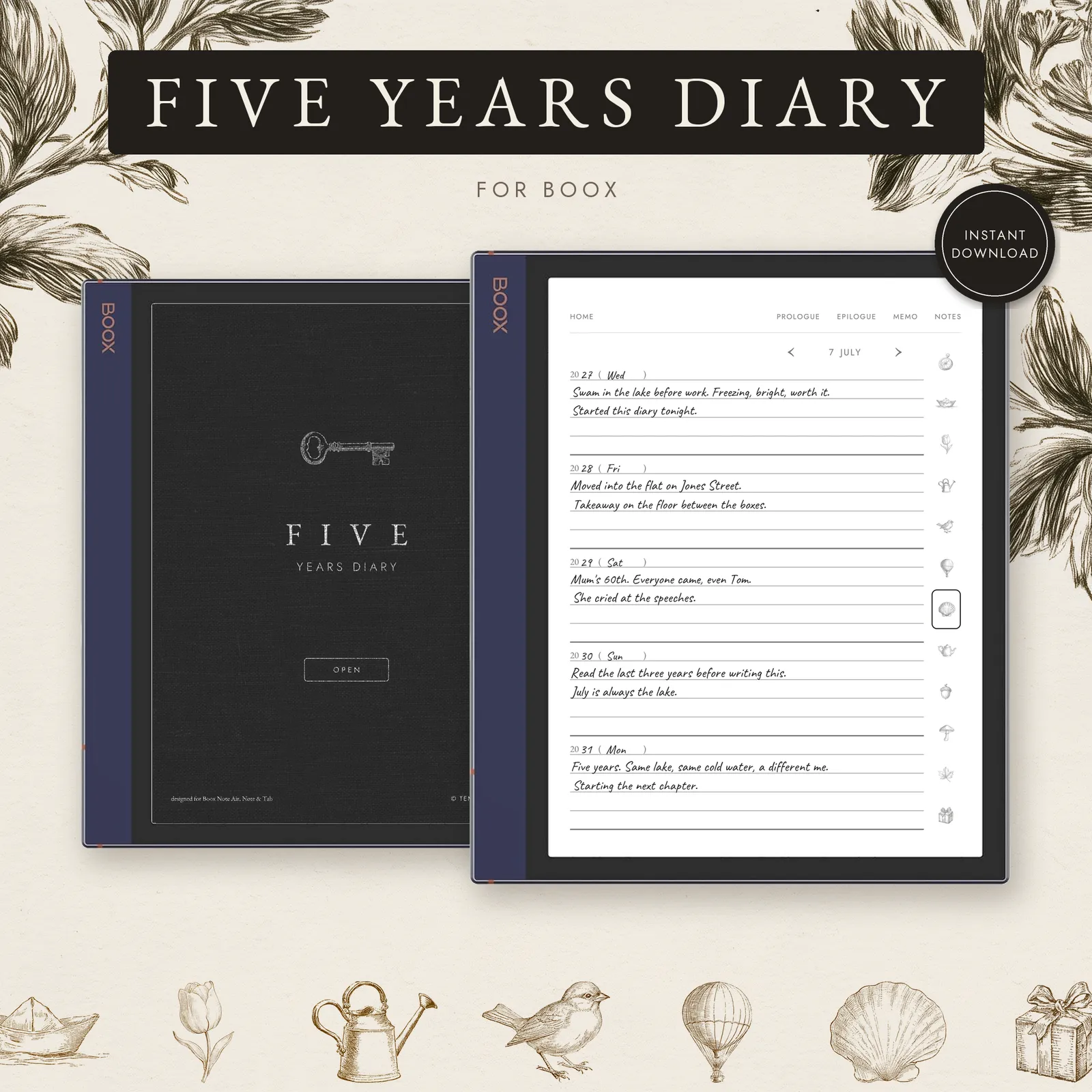
Journal
5 Year Journal
$7.99 USD
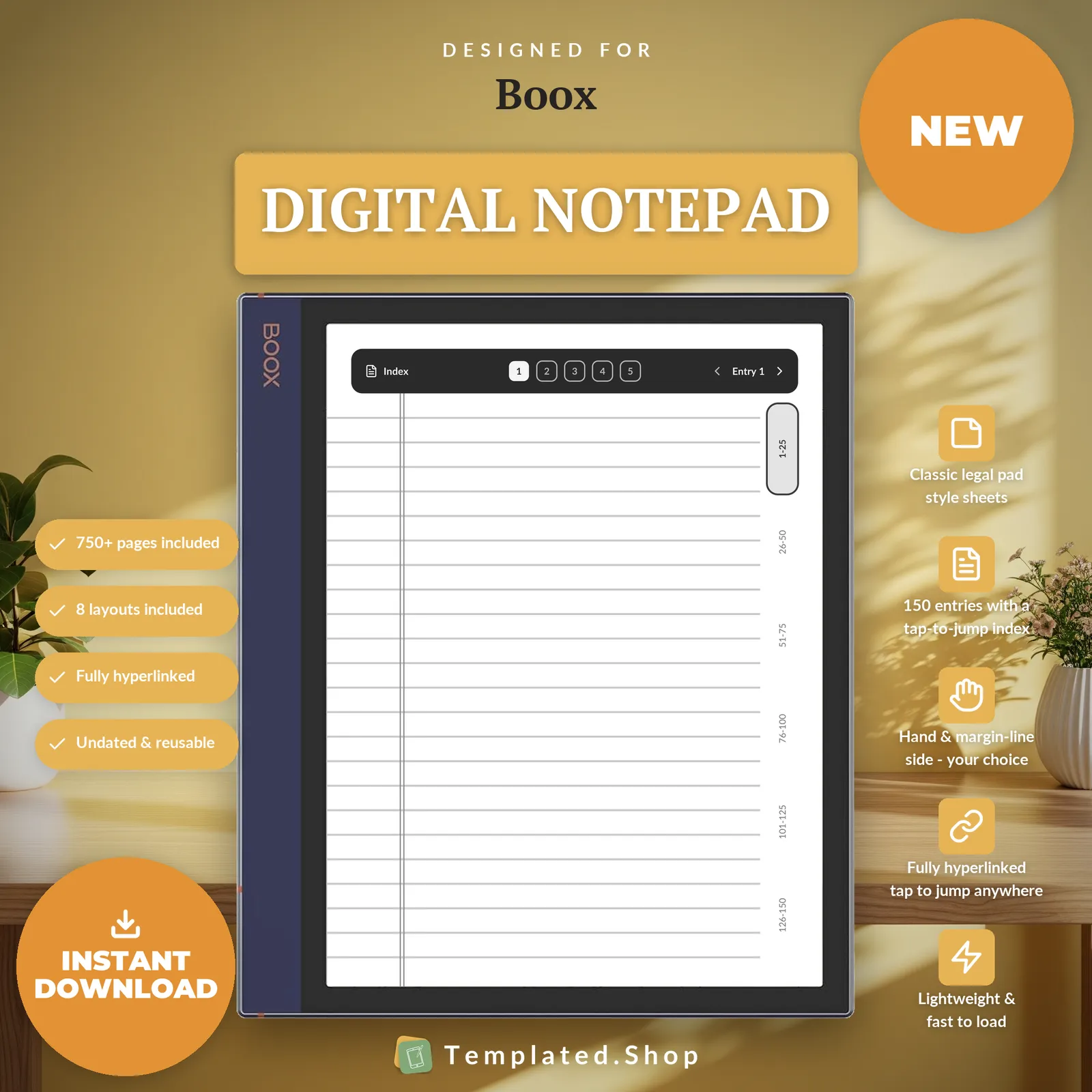
Notebook
Digital Notepad
$7.99 USD
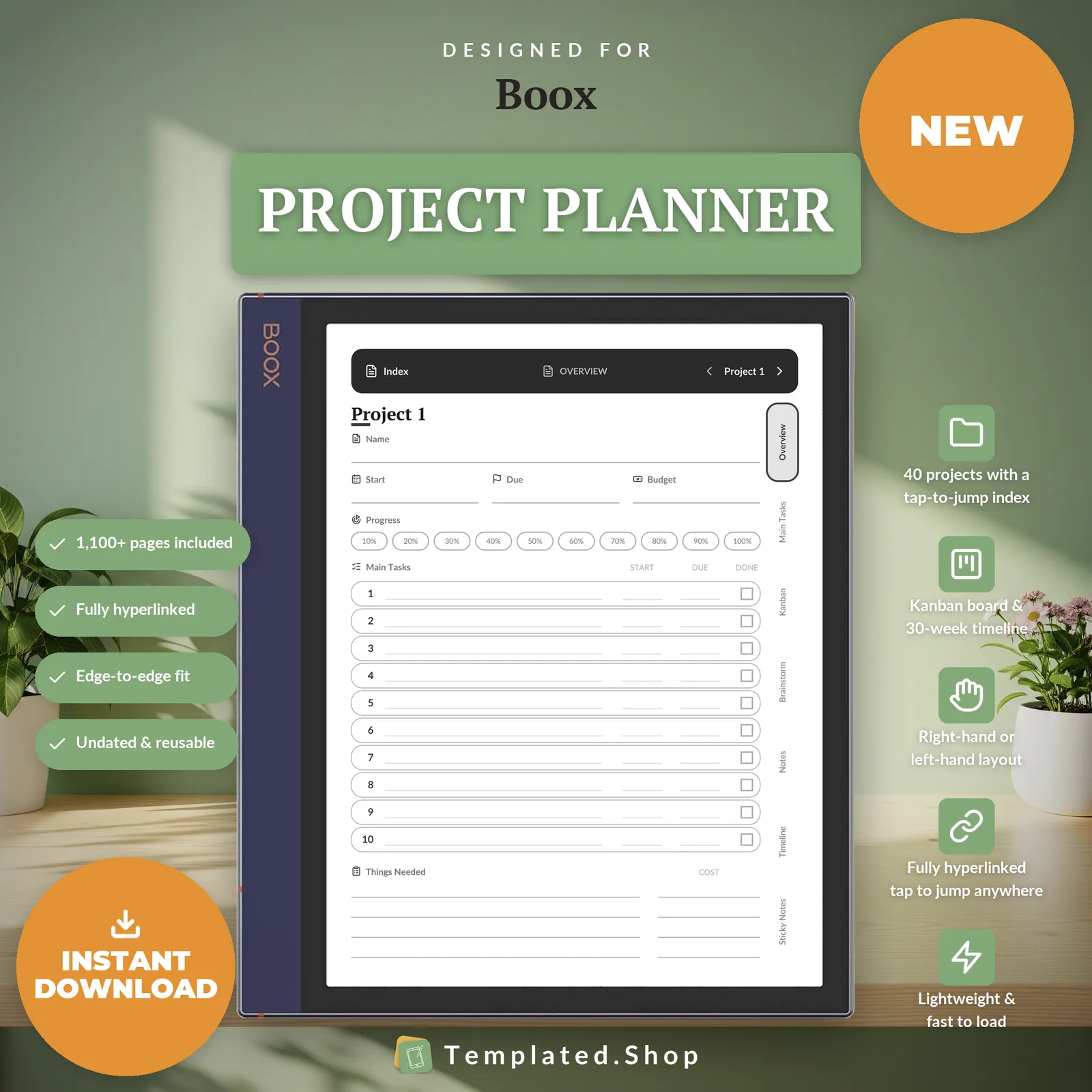
Planner
Project Planner
$9.99 USD
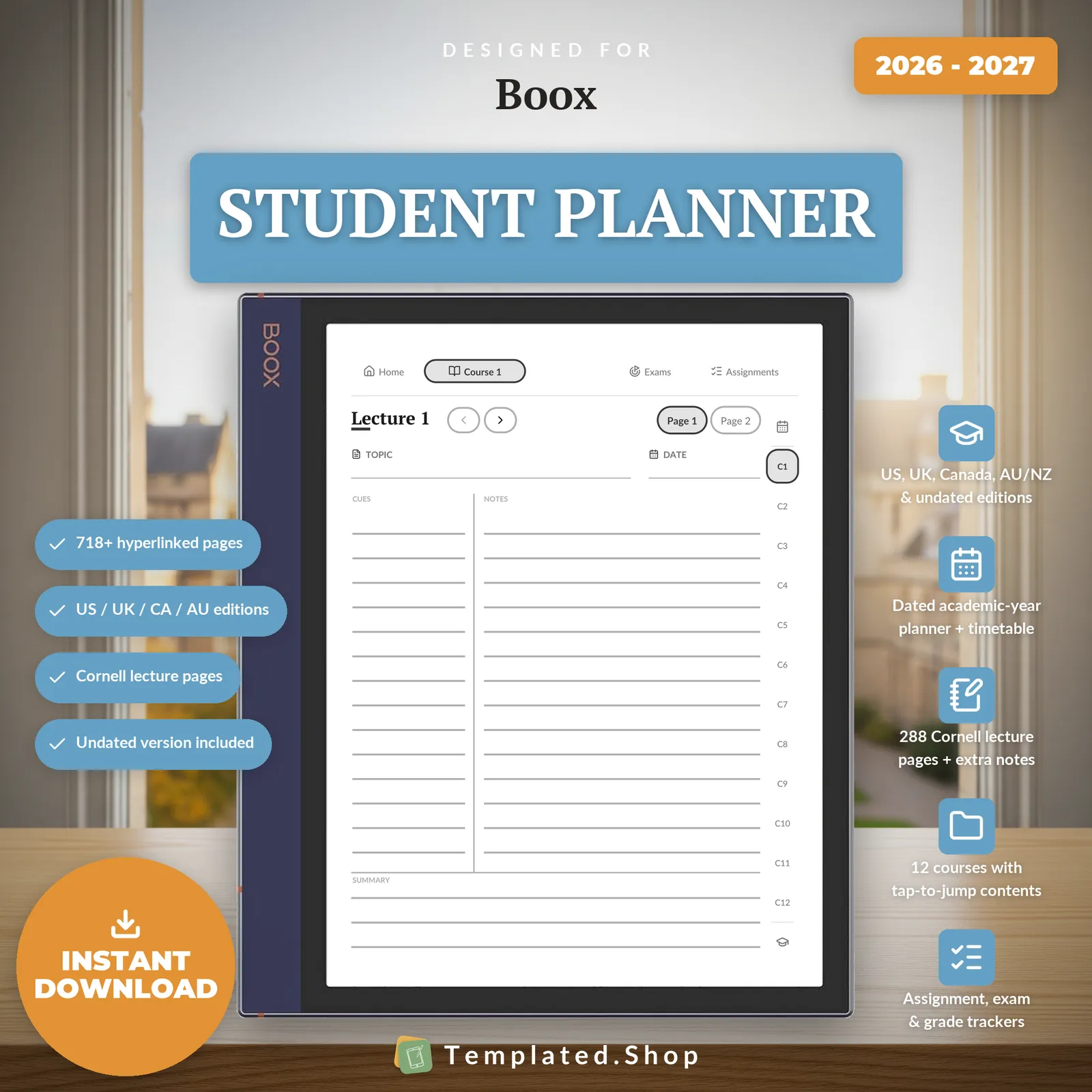
Planner
Student Planner with Cornell Notes
$8.99 USD
Notebook
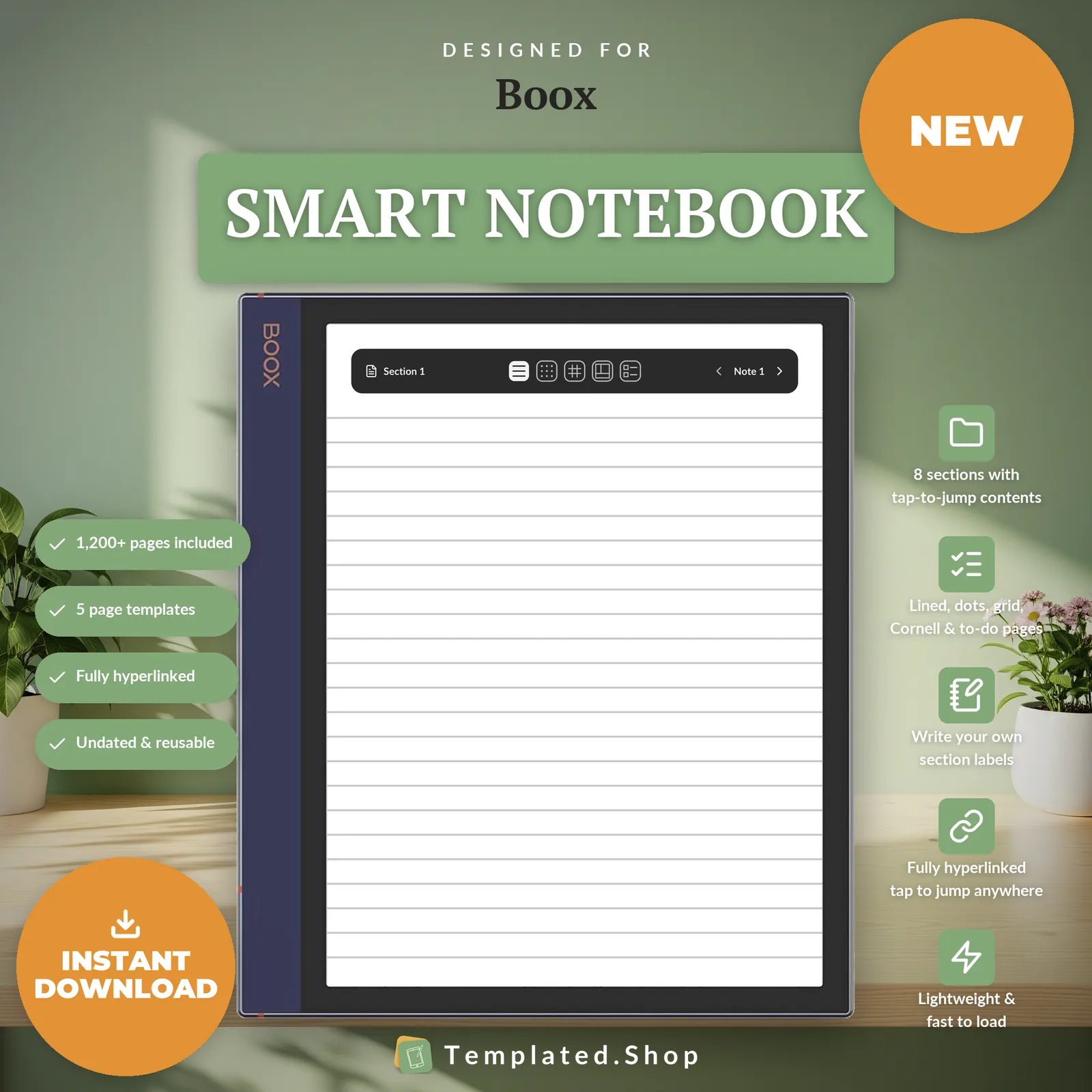
Smart Notebook
$9.99 USD
Bundle
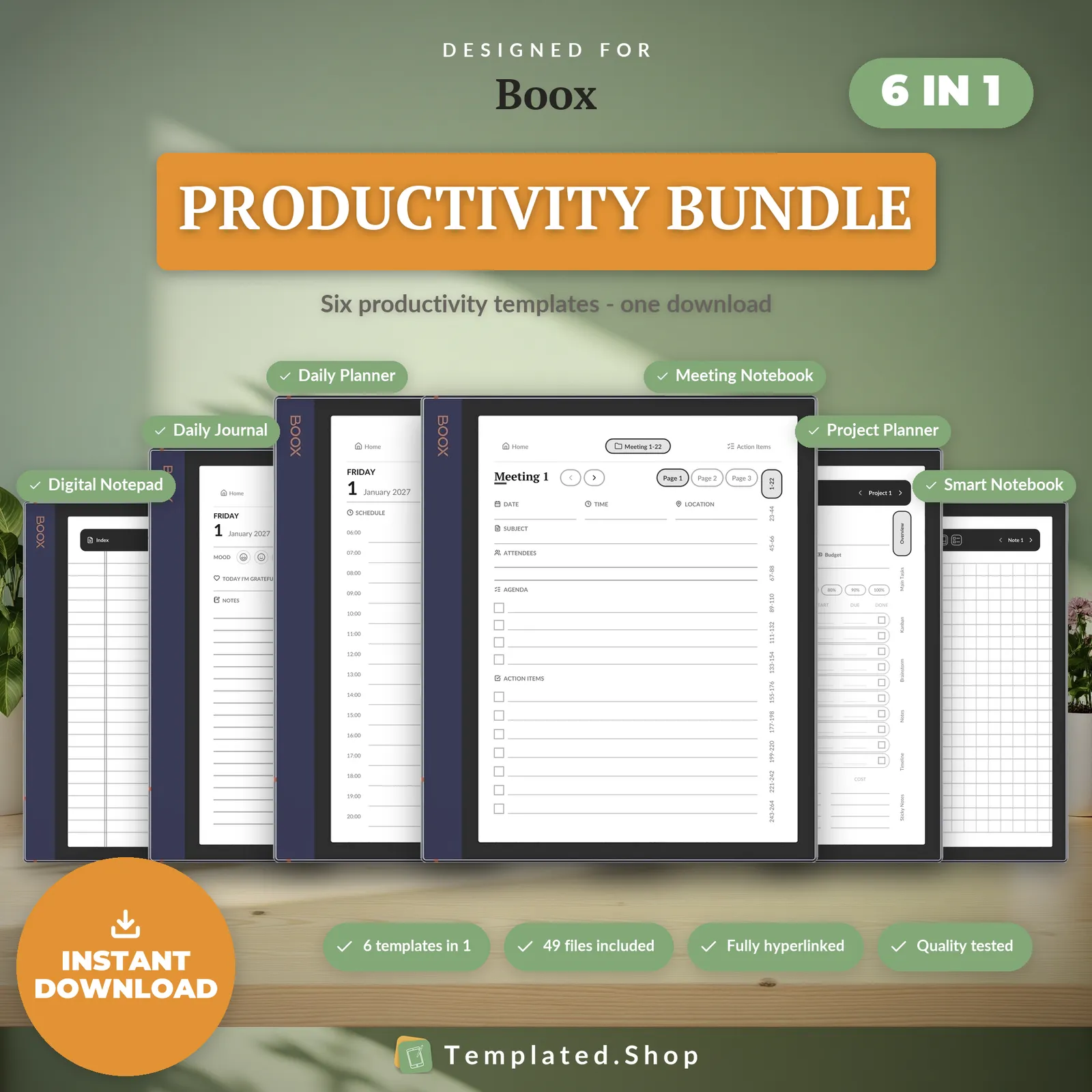
Productivity Bundle 2027–2028
$24.99 USD
How your Boox handles PDF files
- Getting the file on
- Via USB, BooxDrop over your network, or a linked cloud account. Step-by-step below.
- Tap links
- Internal links work in NeoReader, and hyperlinked planners are commonly used there. The caveat worth knowing: reports of broken links on Boox almost always turn out to be PDFs loaded as a Note template layer rather than opened in the reader, and that path does not carry links.
- Duplicating a page
- Partly. NeoReader can insert a blank page into a PDF, and the insert is kept when you export, but it cannot duplicate an existing page, so a template page cannot be copied for reuse. Each edition already ships an extra notes page behind every day and week.
Across the devices we sell to: reMarkable and iPad can duplicate a page inside a PDF; Kindle Scribe, Supernote and Kobo cannot.
Device behaviour verified against Boox’s documentation, July 2026.
Getting a planner onto your Boox
- Send the PDF across by USB, over BooxDrop, or through a linked cloud folder.
- Open it with NeoReader, the built-in reader.
- Write on the page with the pen inside the reader.
What goes wrong
- Open it in NeoReader. Do not load the PDF as a Note template layer. On that path the pages become a background for a notebook and the tap links do not fire.
- Boox runs Android, so you can install other PDF readers. We can only speak for how NeoReader behaves; a third-party reader may handle links and annotation differently.
- Tap links with your finger rather than the pen.
How we know this
We build and test the files, not the tablets. Everything above about how your Boox handles PDFs comes from Boox’s own documentation, checked in July 2026. We don’t own every device on this page and won’t pretend to.
What we do test is the file. Every page is rendered at the panel’s true pixel resolution before release, and every internal link is resolved automatically: 20,220 of them in the 889-page daily planner, none broken. If something behaves differently on your device, tell us and we’ll correct this page.
Boox questions
Why do my links stop working on a Boox?
The usual cause is loading the PDF as a Note template layer instead of opening it in NeoReader. As a template layer the pages become a static background for a notebook, and a background has no link data in it. Open it in NeoReader and the taps work.
Do the colour Boox models render this well?
Better than you might expect. The Note Air C models draw text from a separate 1860×2480 black-and-white layer at 300 ppi rather than through the colour filter, so hairline rules and small tab labels stay sharp instead of softening the way colour e-ink often does.
Can I use a different PDF reader?
You can. Boox runs Android, so other readers install normally. We build and test against how NeoReader behaves, and that is all we will claim for; another reader may treat links and annotation differently.
Can I add pages to the planner?
Partly. NeoReader can insert a blank page into the PDF and keeps it on export, but it cannot duplicate an existing page, so you can add space but cannot copy a template. Each edition carries an extra notes page behind every day and week already.
Which Boox devices does this edition cover?
The Note Air series, Note and Tab models, which are the 10.3″ 4:3 writing tablets. They share the same page geometry, so one edition serves them, mono and colour alike.
All 10 Boox editions are above. See the full catalog or ask us a question.
Other devices
- reMarkable templates
- Kindle Scribe templates
- Supernote templates
- Kobo templates
- iPad templates
- Browse all templates
- Free printable paper
Bought the wrong device edition? We’ll swap it free; just reply to your receipt email.