
Templates for iPad
Every templated.shop product ships as a dedicated iPad edition, sized to the exact panel of your device, so planners and notebooks fill the screen with no grey bars. Fully hyperlinked, vector-crisp at any zoom, and delivered the moment you buy.
Made for your exact iPad screen
iPads come in two shapes. The 13″ and 12.9″ models are true 4:3, so they take the same 445×594pt page as a reMarkable Paper Pro. The 11″ family clusters at 0.689–0.699, where a 4:3 page would leave about 7% of the screen empty, so it gets its own 445×640pt page. Both are in every iPad download, so you never have to know which shape your screen is. The width is deliberate: an 11″ iPad Air is 6.21 inches wide, the same physical width as a reMarkable 2, so the layout is drawn at exactly the size it was designed at.
- iPad11″ & 13″ · 264 ppi · 4:3 + 0.695 · Colour
- Both iPad sizes in one download: a 4:3 page for 13″ and 12.9″ iPads and a taller page for the 11″ family, so either fills the screen with no grey bars. Opens in GoodNotes, Notability, Noteshelf and other PDF note apps.
Panel specifications
| Device | Screen | Resolution | PPI | Colour | Aspect |
|---|---|---|---|---|---|
| iPad Pro 13″ (M4) | 13″ | 2064 × 2752 | 264 | Colour | 4:3 (0.75) |
| iPad Pro 12.9″ and iPad Air 13″True 4:3, so these take the same page as the 13″ Pro | 12.9″–13″ | 2048 × 2732 | 264 | Colour | 4:3 (0.75) |
| iPad Pro 11″ (M4) | 11″ | 1668 × 2420 | 264 | Colour | 0.689 |
| iPad Pro 11″ (M2 and earlier) | 11″ | 1668 × 2388 | 264 | Colour | 0.699 |
| iPad Air 11″ and iPad 10.9″The 11″ family is taller than 4:3, so it gets its own 445×640pt page | 10.9″–11″ | 1640 × 2360 | 264 | Colour | 0.695 |
iPad templates in the catalog
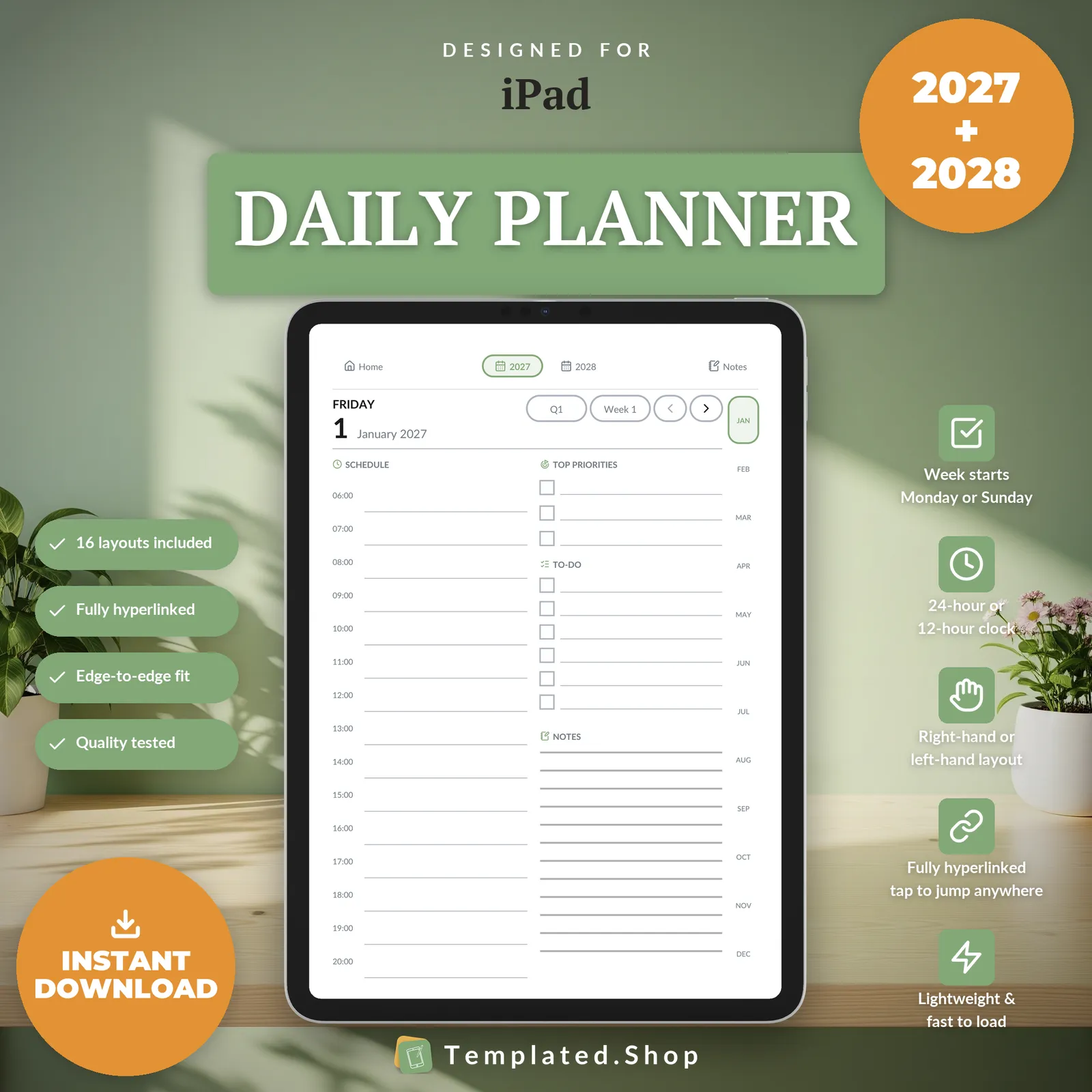
Planner
Daily Planner 2027–2028
$15.99 USD
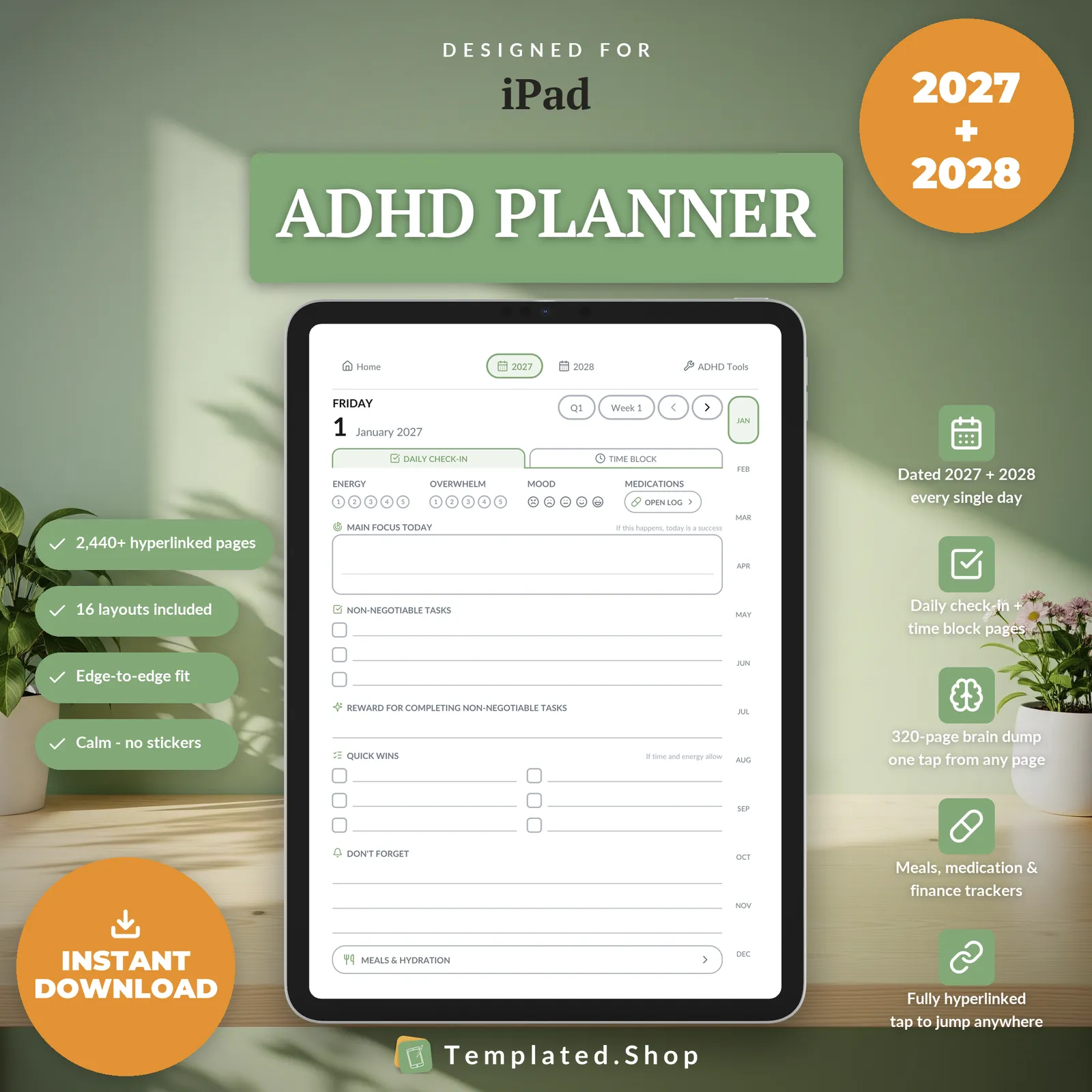
Planner
ADHD Planner 2027–2028
$9.99 USD
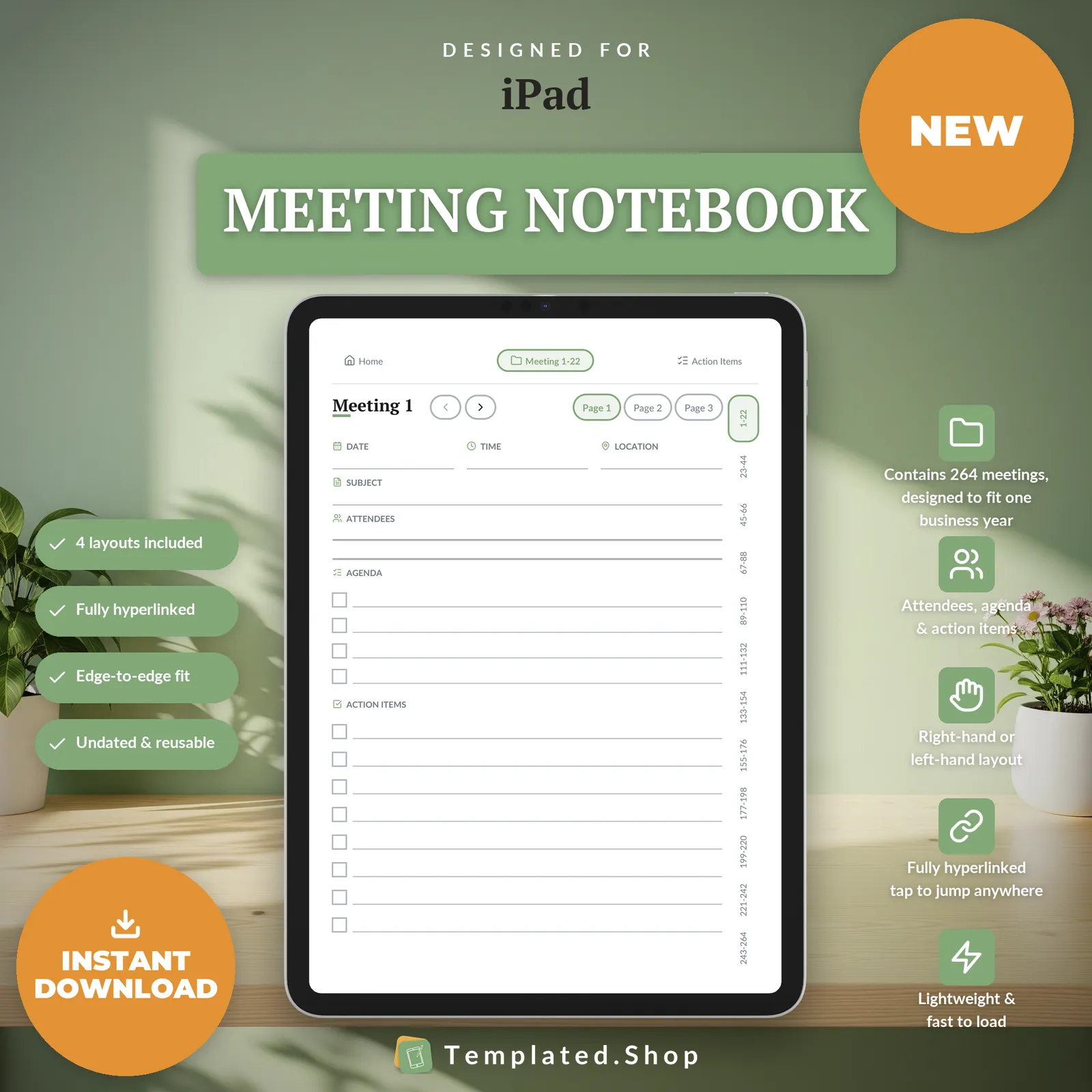
Notebook
Meeting Notebook
$7.99 USD
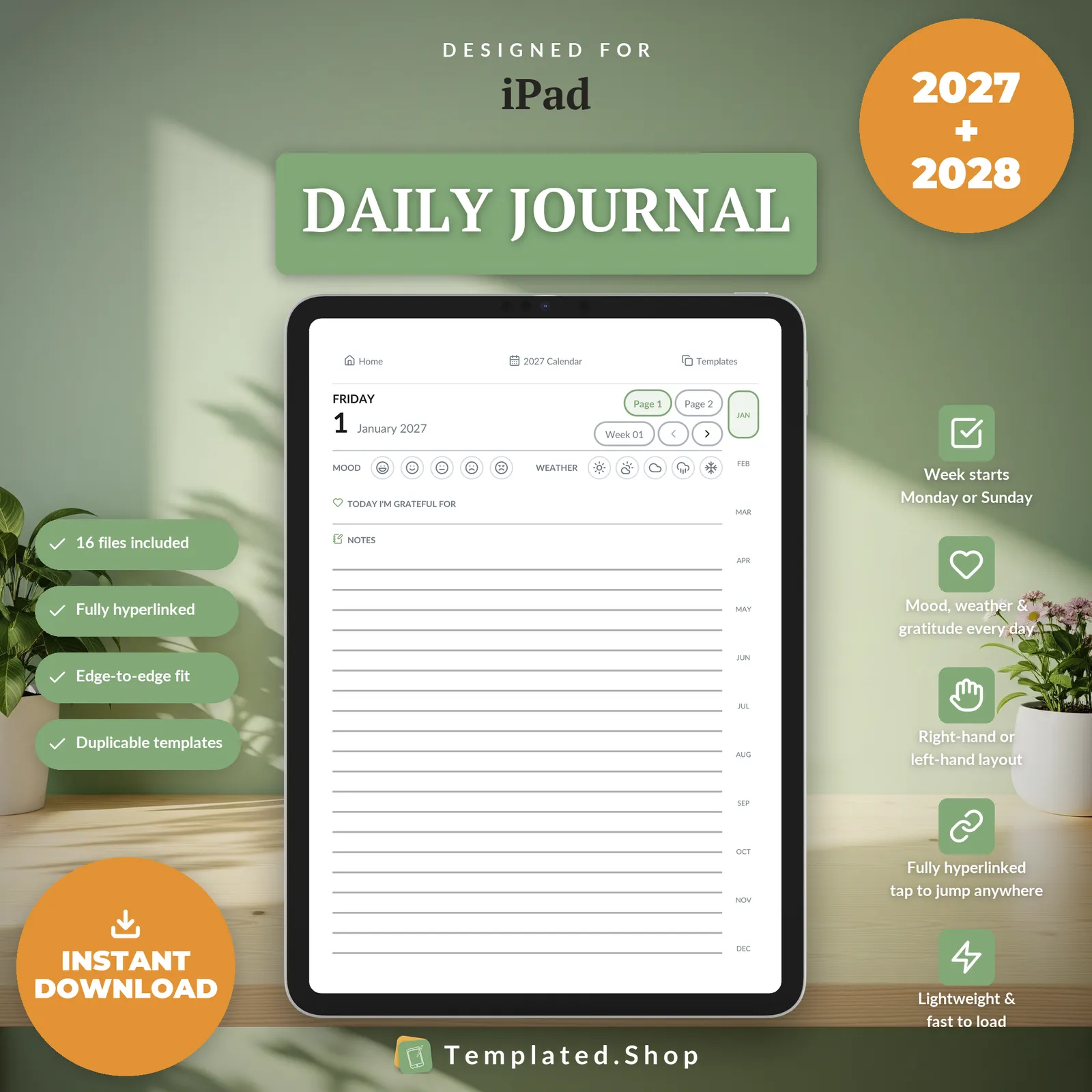
Journal
Daily Journal 2027–2028
$11.99 USD
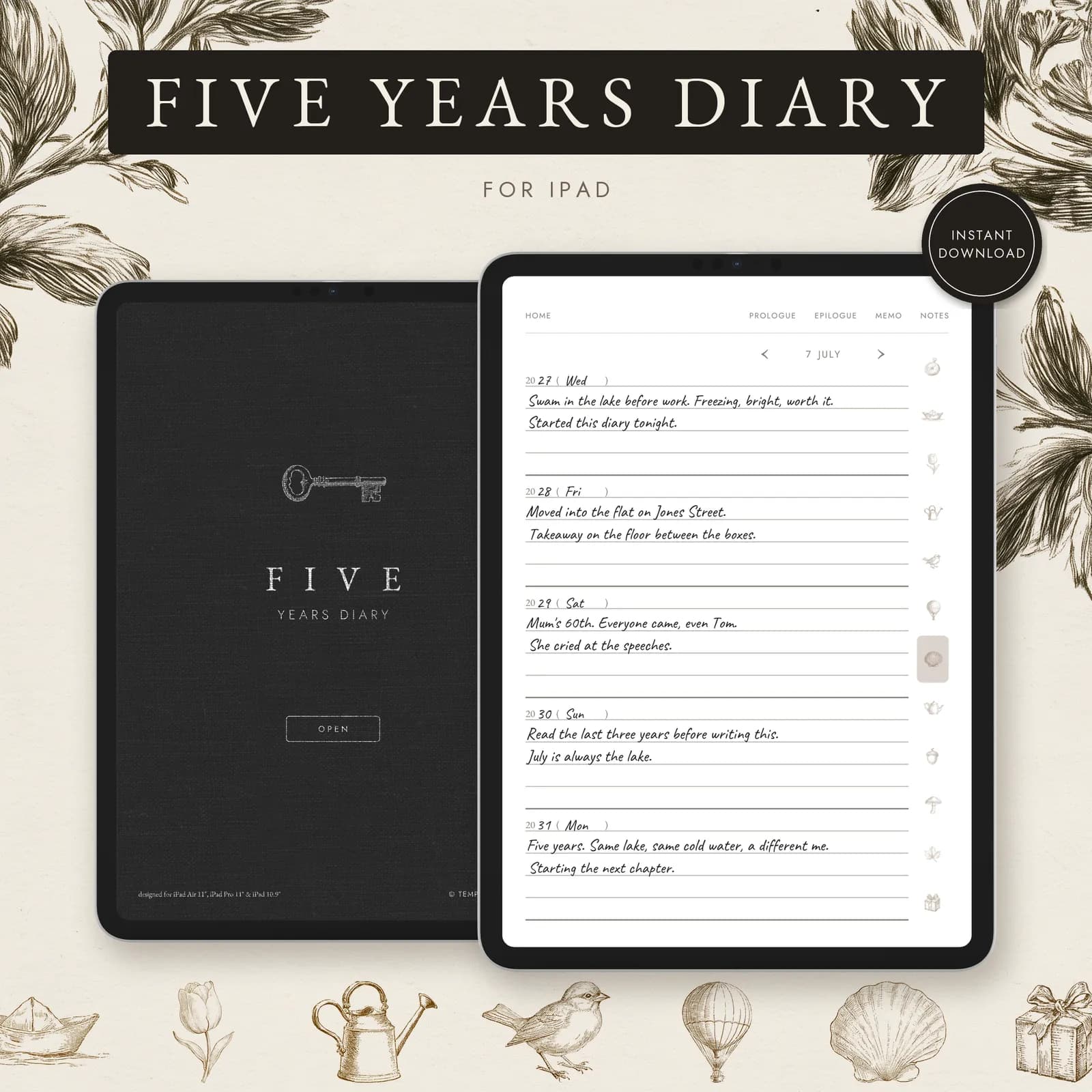
Journal
5 Year Journal
$7.99 USD
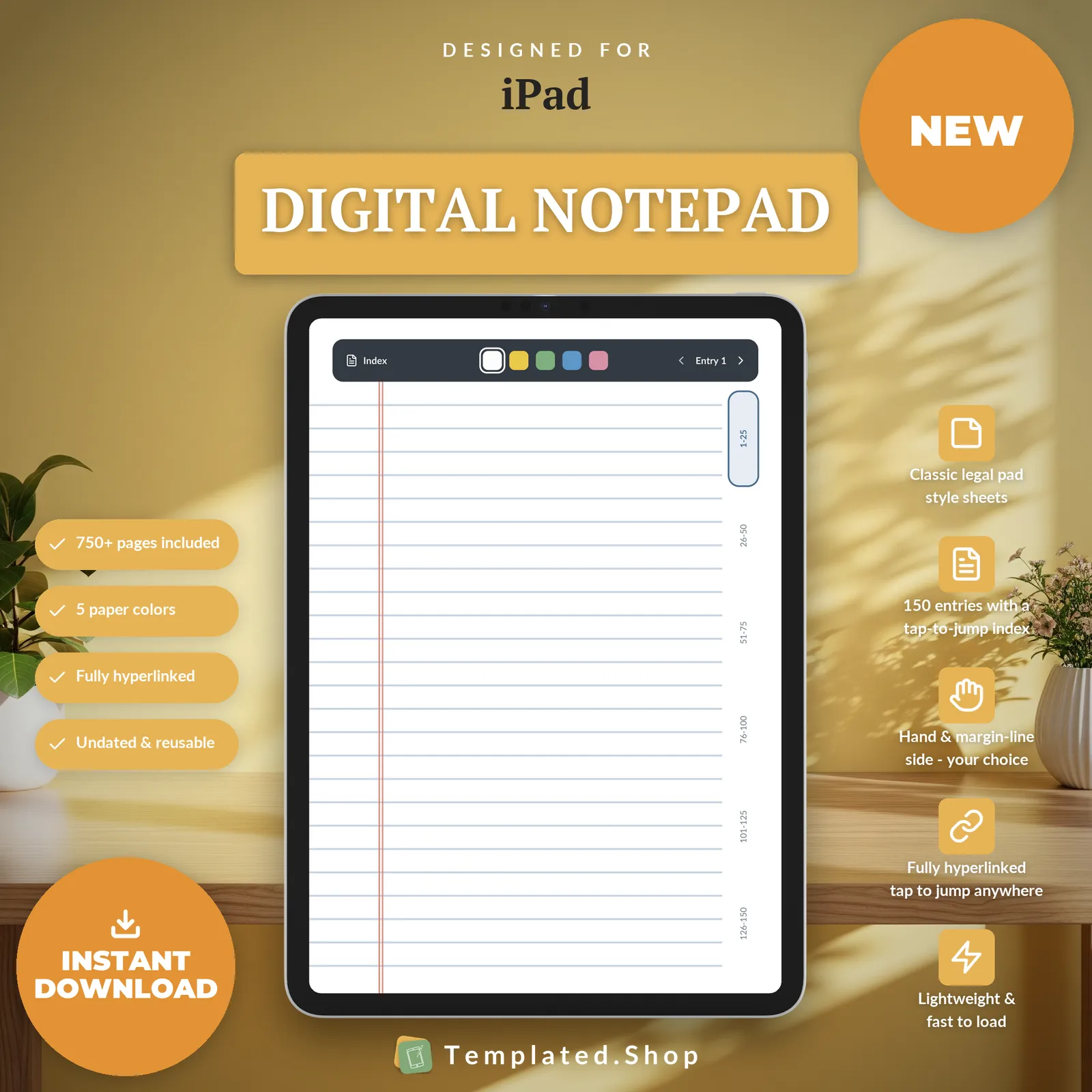
Notebook
Digital Notepad
$7.99 USD
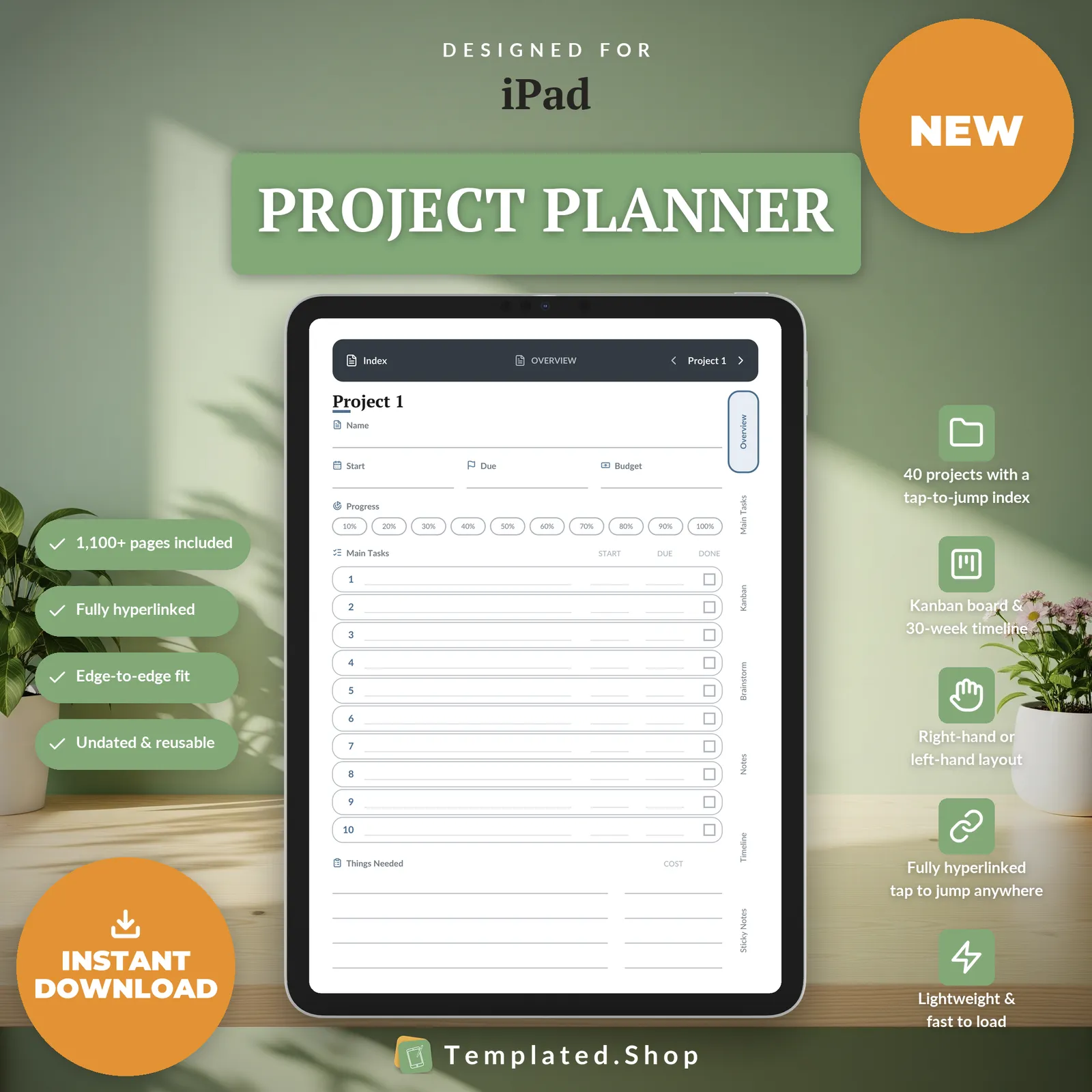
Planner
Project Planner
$9.99 USD
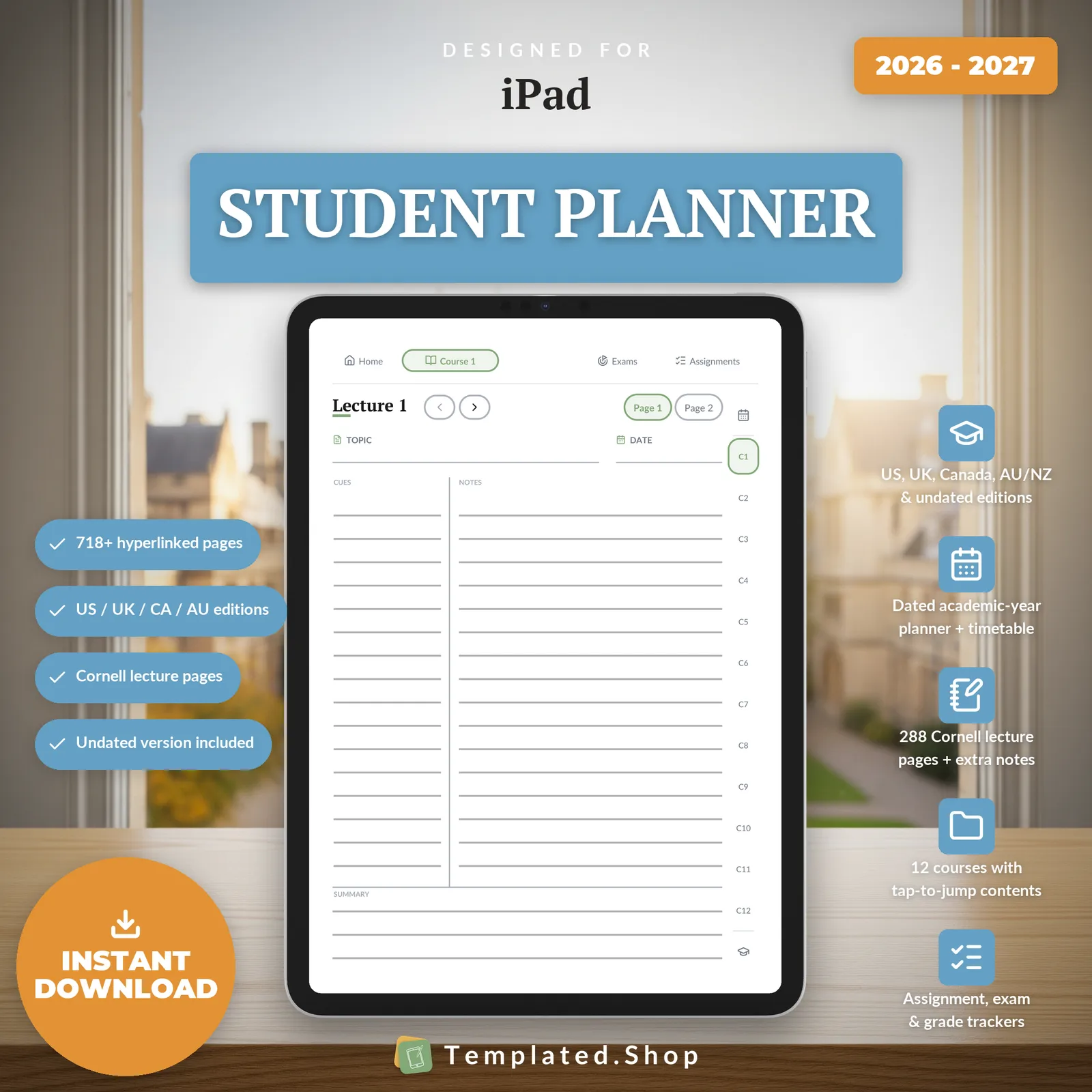
Planner
Student Planner with Cornell Notes
$8.99 USD
Notebook
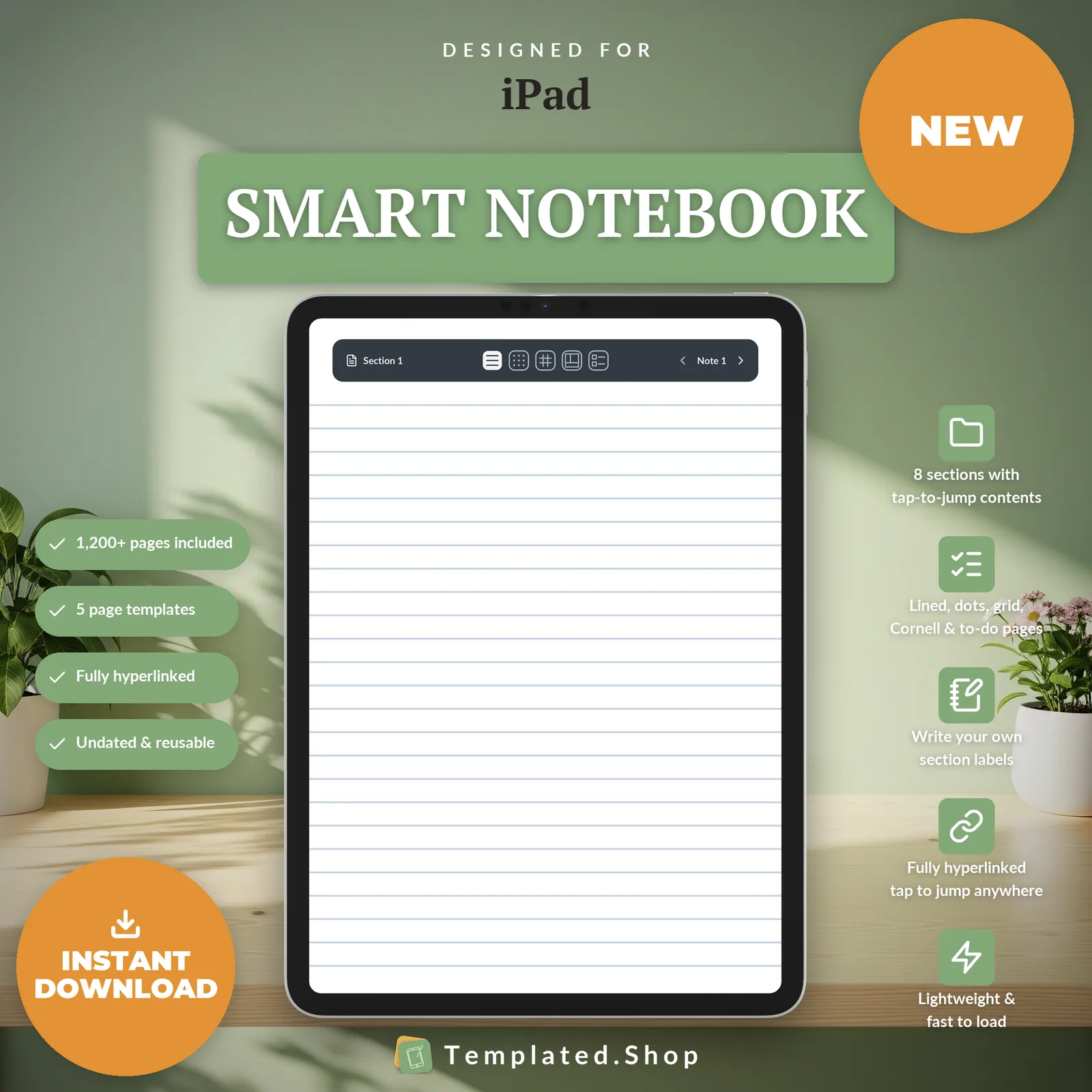
Smart Notebook
$9.99 USD
Bundle
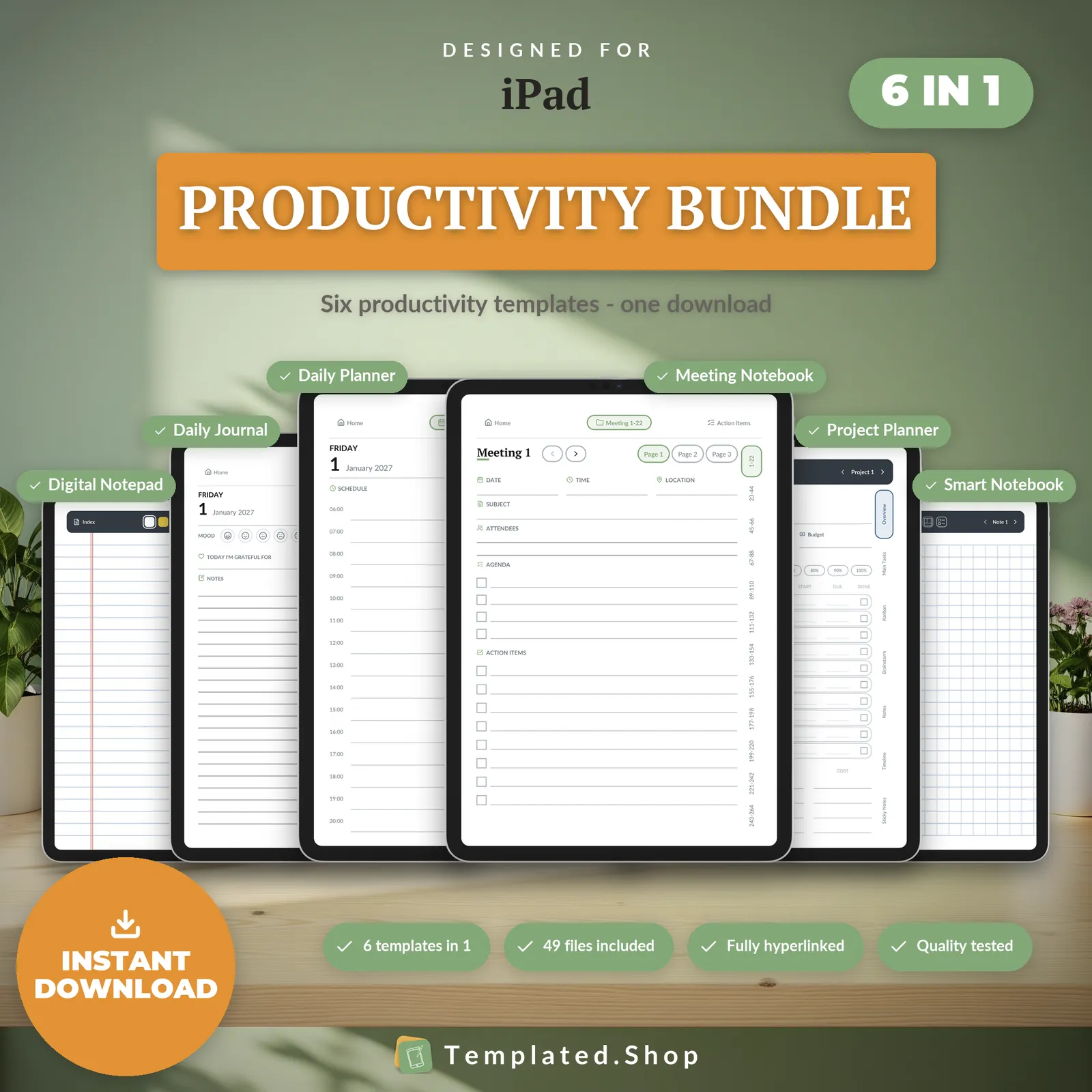
Productivity Bundle 2027–2028
$24.99 USD
How your iPad handles PDF files
- Getting the file on
- Via a direct download on the iPad, imported into your note-taking app. Step-by-step below.
- Tap links
- GoodNotes, Notability, Noteshelf, CollaNote, Noteful and Zinnia all follow internal PDF links, so tap-to-jump navigation works as built. Use your finger; the Apple Pencil writes.
- Duplicating a page
- Yes. Duplicating, inserting, reordering and deleting pages inside an imported PDF is a standard feature of every major iPad note app. That is why the Daily Journal's iPad edition includes the duplicable reflection templates.
Across the devices we sell to: reMarkable can duplicate a page inside a PDF; Kindle Scribe, Supernote and Kobo cannot; Boox can insert a blank page but not copy an existing one.
Device behaviour verified against each app maker’s documentation, July 2026.
Getting a planner onto your iPad
- Download the PDF on the iPad itself, or save it to iCloud Drive or Files.
- Import it into your note-taking app: in GoodNotes, + then Import; from Files, Share then your app.
- Open it as a document and write on it with the Apple Pencil.
What goes wrong
- Import it as a document, never as a template or page background. A template is a flat image, and the links stop existing.
- Tap links with your finger. The Apple Pencil draws rather than following a link.
- Pick the file for your size. The 11″ and 13″ pages are both in the download; the wrong one still works, with a strip of empty screen.
How we know this
We build and test the files, not the tablets. Everything above about how your iPad handles PDFs comes from each app maker’s own documentation, checked in July 2026. We don’t own every device on this page and won’t pretend to.
What we do test is the file. Every page is rendered at the panel’s true pixel resolution before release, and every internal link is resolved automatically: 20,220 of them in the 889-page daily planner, none broken. If something behaves differently on your device, tell us and we’ll correct this page.
iPad questions
Which iPad file do I use?
Both sizes are in the download. Use the 13-inch files on a 13″ or 12.9″ iPad Pro or iPad Air, and the 11-inch files on an 11″ iPad Pro or Air, or a 10.9″ or 11th-generation iPad. Each fills its screen with no grey bars.
Does it work on an iPad mini?
Yes, with a small border. The mini is a narrower 0.657 shape, and the 11-inch files fit it with about 6% of the screen unused, against 12% for a 4:3 page. It is not a separate edition.
Which note-taking app should I use?
Whichever you already use. GoodNotes, Notability, Noteshelf, CollaNote, Noteful and Zinnia all open the PDF, follow its links and let you write on every page. The file is a standard PDF, so it isn't tied to any of them.
My taps aren't following the links.
Tap with your finger rather than the Apple Pencil, which draws instead of following links. If that doesn't help, check the file was imported as a document rather than added as a page template, which flattens it to an image.
Is the iPad edition the same as the e-ink ones?
The same layouts and the same links, built in colour for the iPad's screen. The palette is the restrained one made for colour e-ink, which reads as calm and minimal on an iPad: no stickers, no clutter.
All 10 iPad editions are above. See the full catalog or ask us a question.
Other devices
- reMarkable templates
- Kindle Scribe templates
- Supernote templates
- Boox templates
- Kobo templates
- Browse all templates
- Free printable paper
Bought the wrong device edition? We’ll swap it free; just reply to your receipt email.